
Get guides like this in your inbox every Thursday
Read it here free, or subscribe and get every new one, plus the AI news that matters.
Free, plus 4 starter guides and 55 video effects for Claude when you join. One email a week. Unsubscribe anytime.
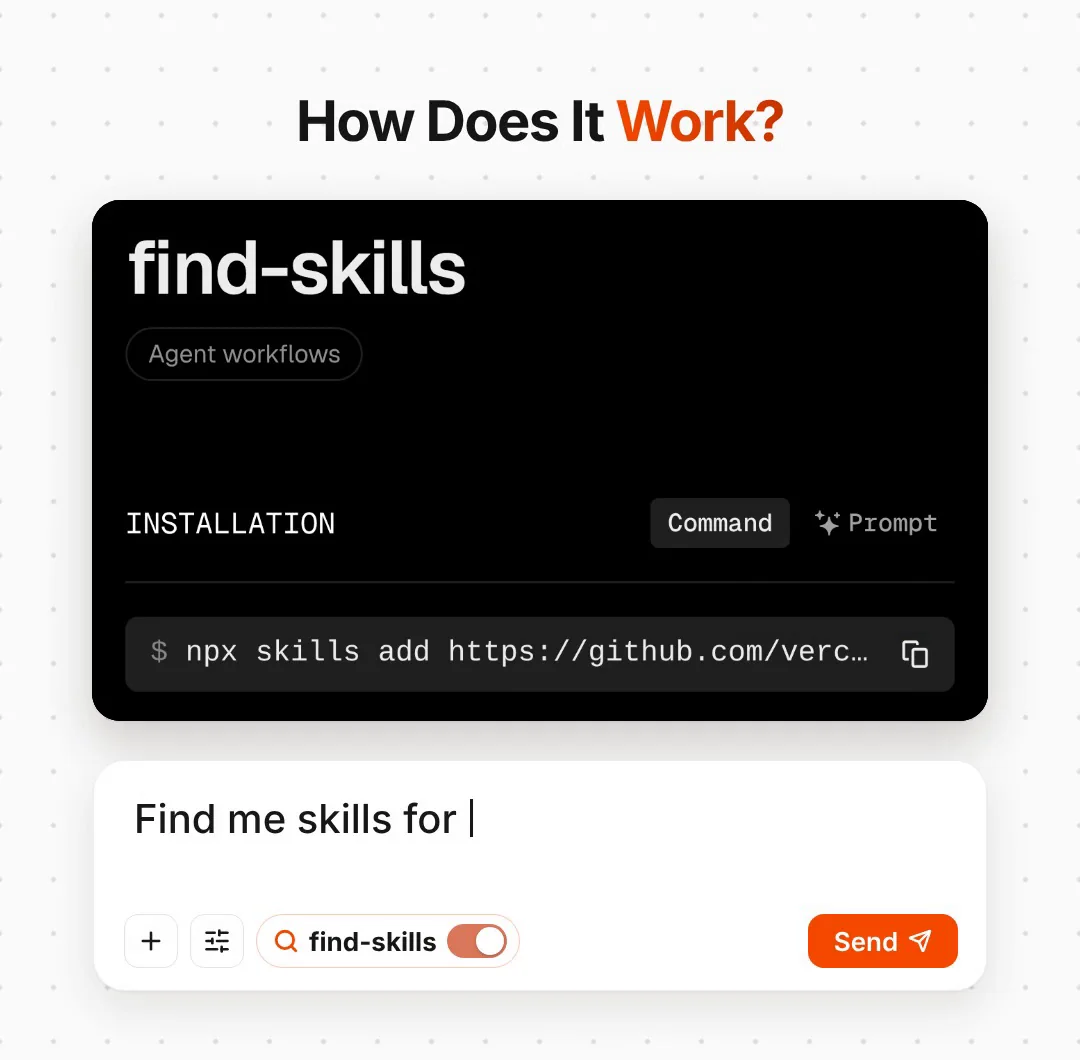
What is Find Skills?
Find Skills is a free skill that helps Claude find and install other skills. Built by Vercel Labs, Find Skills lives in the open-source vercel-labs/skills repo on GitHub. According to the skills.sh leaderboard, Find Skills was the most-installed skill of all time in November 2026, with over 4 million installs. A skill is a folder of instructions that teaches an AI agent one job, for example designing a landing page, writing tests or making slides. The skills.sh leaderboard listed nearly 1.4 million skills (November 2026), far too many to search by hand.
Find Skills does the searching for you. Step 1: you tell Claude what you're working on. Step 2: Find Skills checks the leaderboard first, searches skills.sh, and checks each result's installs, source and GitHub stars, ranking official publishers such as Vercel, Anthropic and Microsoft higher. Step 3: Claude shows the best matches and installs only the ones you approve. The skill costs $0 and works with Claude Code, Codex, Cursor and dozens of other agents.
how it worksHow does Find Skills work?
- You ask for help with a job, for example find me a skill for landing page design.
- It checks the skills.sh leaderboard first, then searches the directory with
npx skills find. - It checks each result before recommending it: the install count (it prefers 1,000+ and is wary of anything under 100), the source (official publishers such as Vercel, Anthropic and Microsoft rank higher) and the GitHub stars.
- It shows you the best matches, with what each one does, its installs, its source and a link to its skills.sh page.
- It offers to install the one you pick, and installs it only if you say yes.
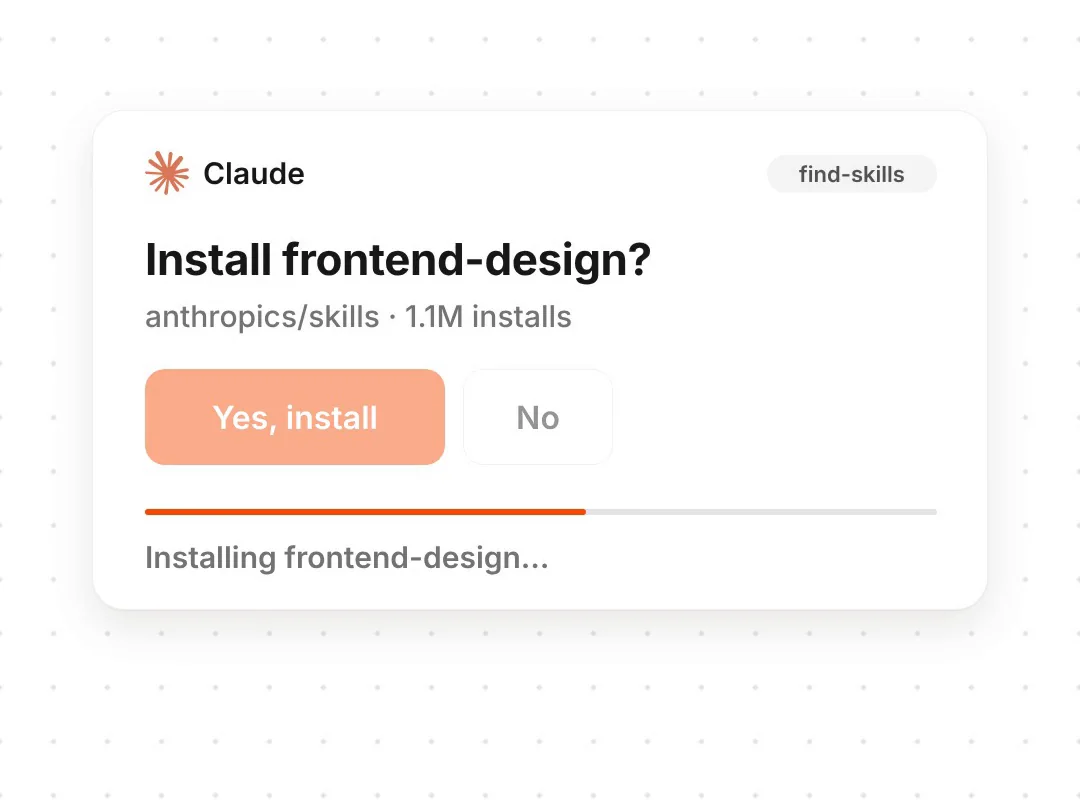
How do you install Find Skills?
Open your terminal (the Terminal app on a Mac, PowerShell on Windows) and run:
npx skills add vercel-labs/skills --skill find-skills --agent claude-code
That installs it for Claude Code in the folder you're in. Add -g at the end to install it for all your projects. Using a different agent? Find Skills also works with Codex, Cursor, OpenCode and dozens more; leave out --agent claude-code and the installer asks which one. Start a new Claude Code session afterwards so it picks the skill up.
What should you ask Find Skills?
Ask in plain words. These three cover most needs:
Find me a skill for designing landing pages. Show me the top 3 with their installs and source, and wait for my OK before installing anything.
I'm working on [your project: content, a website, an app]. Which skills would help? Only suggest ones with 1,000+ installs from a known source.
Find a skill for [an unusual job]. If nothing good exists, help me with it directly instead.
To keep your skills tidy, the same tool has a few more commands for the terminal:
npx skills list
npx skills check
npx skills update
npx skills remove
What should you check before installing a skill?
- A skill is instructions your agent will follow. Install from sources you trust, and open the skill's page on skills.sh before you say yes.
- Installs and stars are a signal, not a guarantee. Find Skills ranks by them, but a popular skill can still be wrong for your project.
- More isn't better. Keep the skills you use and remove the rest with
npx skills remove. - Find Skills is free; your agent may not be. Claude Code needs a paid Claude plan (Pro or above).
Who made Find Skills?
Vercel Labs made Find Skills and the Skills CLI it runs on. Both are open source on GitHub under the MIT licence, and skills.sh is the directory of agent skills they search. If a command here ever stops matching, the skill's page on skills.sh is the one to trust.
all the linksLinks 🔗
- Find Skills on skills.sh — The skill's page and install command
- vercel-labs/skills (GitHub) — The Skills CLI and Find Skills, MIT licence
- skills.sh — The directory and leaderboard of agent skills
- The Instagram Agent Skill — 13 free skills for Instagram
- 25 Claude GitHub repos worth using — More repos for Claude Code
Liked this? Get the next one in your inbox.
Every Thursday I research the latest AI systems and workflows, then break the best one down into simple steps, with prompts you can copy. Plus the AI news that changes what you can do.
Free, plus 4 starter guides and 55 video effects for Claude when you join. One email a week. Unsubscribe anytime.