
Get guides like this in your inbox every Thursday
Read it here free, or subscribe and get every new one, plus the AI news that matters.
Free, plus 4 starter guides and 55 video effects for Claude when you join. One email a week. Unsubscribe anytime.
What is a Claude connector?
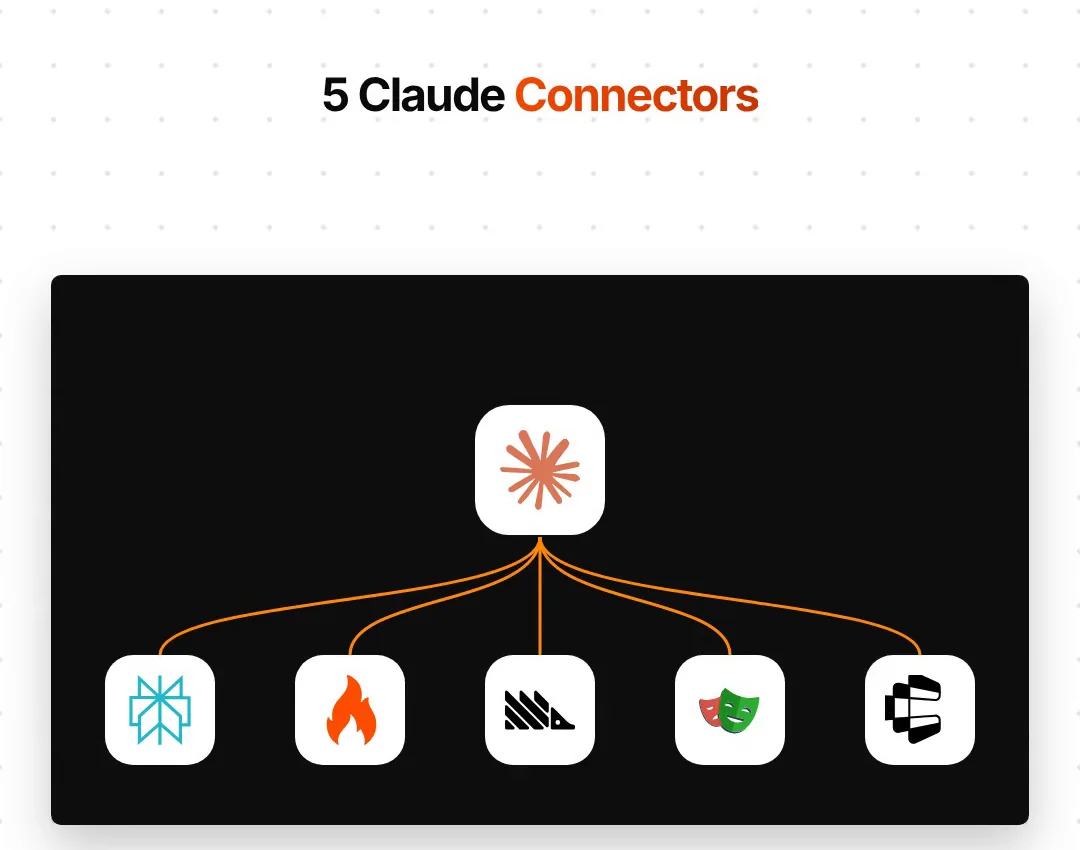
A Claude connector is a link between Claude and another service, built on the Model Context Protocol (MCP), an open standard Anthropic introduced in 2024. Once a connector is added, Claude can use that service's tools in your chat. For example, Claude can search the web with Perplexity, read a website with Firecrawl, query your analytics in PostHog, click through a site with Playwright from Microsoft, or act in apps like Gmail and Notion through Composio.
You add a connector in the Claude app as a custom connector, or in Claude Code with one command. Setup works the same way for all five: first add the connector, then try one of the prompts below. All five are free to connect, but use can cost money. Perplexity's API is pay-as-you-go. Firecrawl's free plan gives 1,000 credits a month, PostHog's free tier covers 1 million events a month, and Composio's free plan includes 100,000 tool calls a month.
Using Claude Code? Run the claude mcp add commands below in your terminal, then start Claude Code. Type /mcp inside Claude Code to see your connectors.
1. Perplexity: how do you give Claude live web research?
Perplexity's official connector gives Claude four tools: search (ranked web results with dates), ask (quick answers), research (deep research that can take a few minutes) and reason. It needs a Perplexity API key from console.perplexity.ai. The API is billed separately with prepaid credits, so check its pricing before you run lots of deep research.
claude mcp add --transport http perplexity https://api.perplexity.ai/mcp --header "Authorization: Bearer YOUR_API_KEY"
Paste your key in place of YOUR_API_KEY, and never share it in a chat or a file. Then try:
Use Perplexity research: what's changed in the AI note-taker market in the last 3 months? Give me sources with dates.
2. Firecrawl: how does Claude read any website?
Firecrawl turns websites into clean text that Claude can read. Its hosted connector works without an API key for scraping, searching and parsing, at a limited rate. Crawling a whole site, mapping it or using its agent needs a key, and Firecrawl's free plan gives 1,000 credits a month with no card.
claude mcp add --transport http firecrawl https://mcp.firecrawl.dev/v2/mcp
In the Claude app, add https://mcp.firecrawl.dev/v2/mcp as a custom connector. Firecrawl can also pull a site's brand identity, such as its colours and fonts:
Scrape [competitor.com/pricing] and list their plans, prices and free trial length. Then pull their brand colours and fonts.
3. PostHog: how do you ask your analytics questions in plain words?
PostHog is a product analytics tool, and its connector lets Claude query your analytics, look into errors and manage feature flags. It signs in with your PostHog account, so there's no API key. The connector is free, and PostHog's free tier covers the first 1 million events a month with no card. Your website or app has to be sending data to PostHog already.
npx @posthog/wizard@latest mcp add
The wizard adds PostHog to Claude Code, Claude Desktop, Cursor and others, then you sign in. In Claude Code you can also run claude plugin install posthog, then type /mcp to log in.
Why did sign-ups drop last Tuesday? Show me where people leave the sign-up funnel and any errors on the checkout page.
4. Playwright: can Claude test your website like a visitor?
Playwright is Microsoft's browser automation tool. Its connector lets Claude open a real browser, click, type and fill in forms, so it can test your website the way a visitor would. It reads the page's structure rather than screenshots. It's free and runs on your computer (Node.js 20 or newer).
claude mcp add playwright npx @playwright/mcp@latest
Open [your site URL], fill in the demo form with test details, submit it and tell me if anything breaks. Then check every link on the page.
5. Composio: how does Claude work across 1,000+ apps?
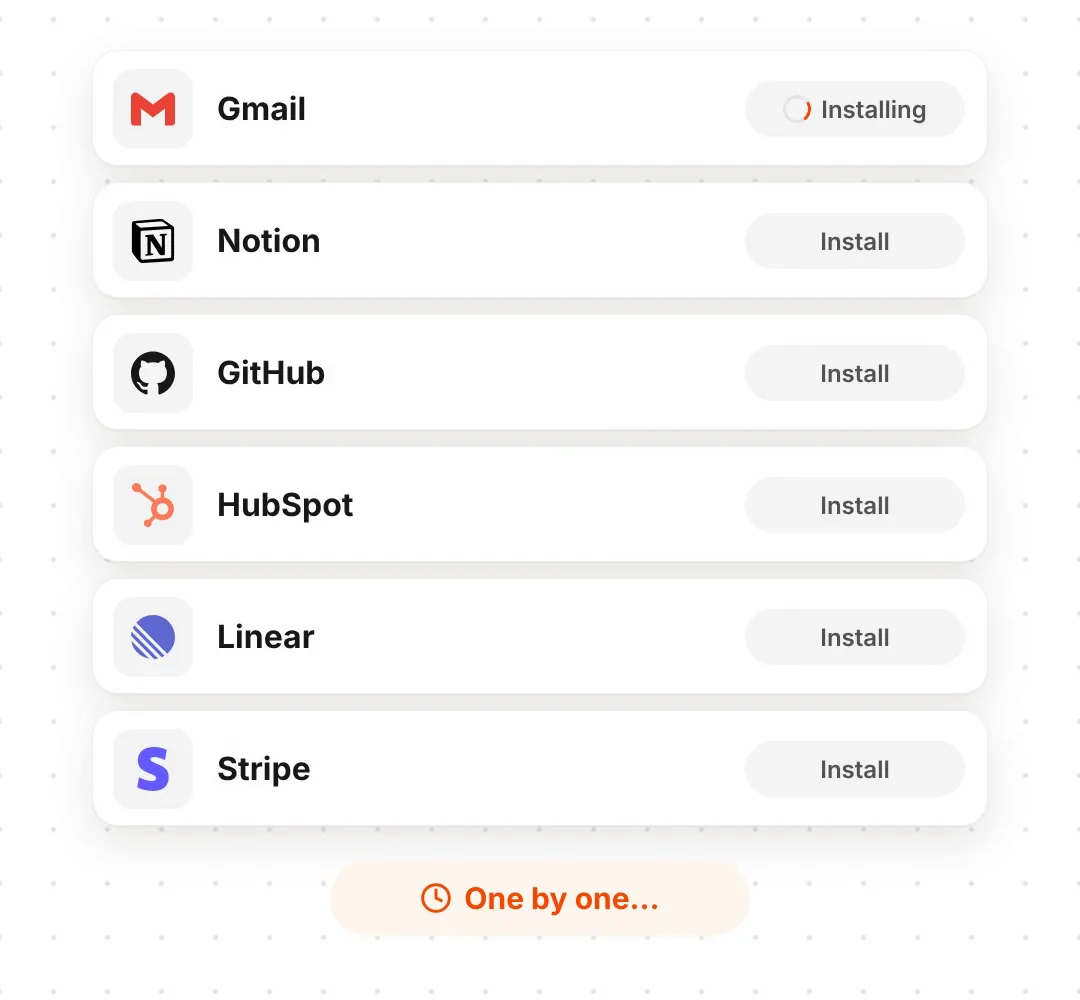
Composio connects Claude to over 1,000 apps, including Gmail, Notion, GitHub, HubSpot, Linear and Stripe, through one connector. You sign in to each app once, then ask Claude to act in it. Composio's free Hobby plan includes 100,000 tool calls a month with no card, up to 20,000 of them on apps Composio manages.
- In the Claude app, open Customize → Connectors, click + and choose Add custom connector.
- Paste
https://connect.composio.dev/mcpand click Connect. - Approve the sign-in in your browser.
- Ask Claude to connect the app you need, for example Notion.
On Claude Team and Enterprise plans, an owner has to allow custom connectors first. For Claude Code, run curl -fsSL https://composio.dev/install | sh, then composio login.
Create a Notion page with this meeting summary: [paste your notes].
What should you check before adding connectors?
- Some connectors can act, not just read. Composio, PostHog and Playwright can change things. Read what Claude is about to do before you allow a tool.
- Keep your keys private. Paste API keys only into the setup command or the app's settings, never into a chat or a shared file.
- Free to connect isn't always free to use. Perplexity charges per request; Firecrawl, PostHog and Composio have monthly free allowances.
- Only add what you use. Every connector gives Claude more tools to choose from, so remove the ones you don't need.
Links 🔗
- Perplexity MCP server (GitHub) — Official Perplexity connector
- Firecrawl MCP server (docs) — Setup for Claude and other tools
- PostHog MCP (docs) — The wizard, the plugin and the tools
- Playwright MCP (GitHub) — Microsoft's browser connector
- Composio for Claude — 1,000+ apps through one connector
- 25 Claude GitHub repos worth using — More MCP servers and skills
Liked this? Get the next one in your inbox.
Every Thursday I research the latest AI systems and workflows, then break the best one down into simple steps, with prompts you can copy. Plus the AI news that changes what you can do.
Free, plus 4 starter guides and 55 video effects for Claude when you join. One email a week. Unsubscribe anytime.