
Get guides like this in your inbox every Thursday
Read it here free, or subscribe and get every new one, plus the AI news that matters.
Free, plus 4 starter guides and 55 video effects for Claude when you join. One email a week. Unsubscribe anytime.
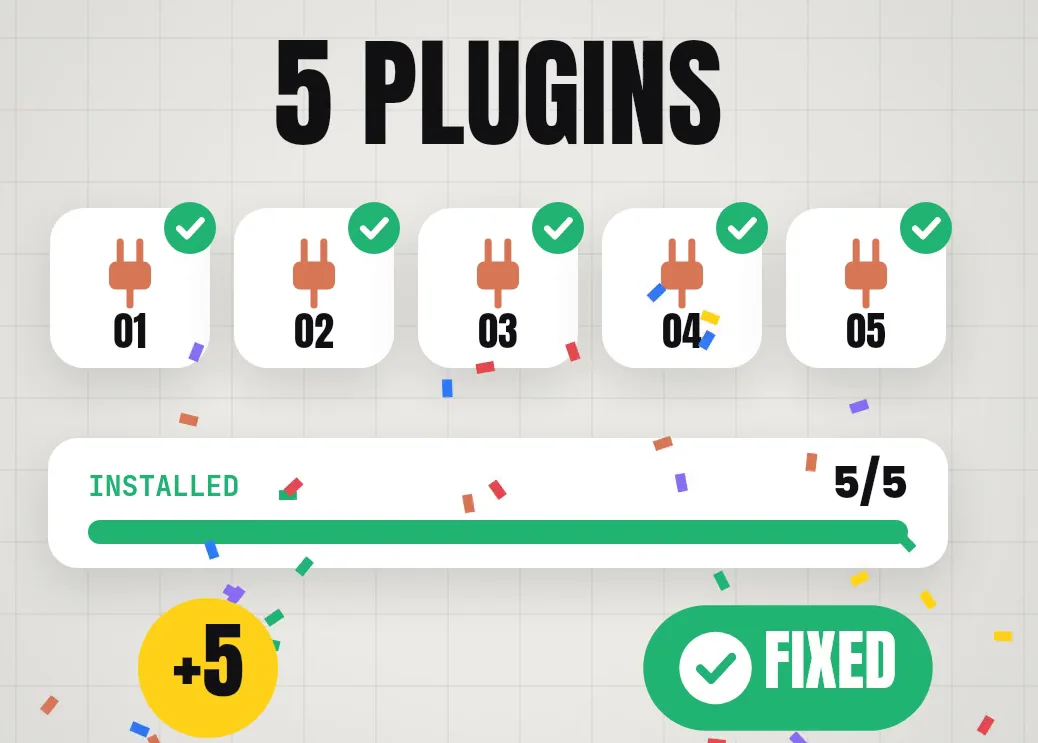
What are the 5 Claude Code add-ons in this guide?
Claude Code add-ons are free tools that fix three common problems with Claude Code, Anthropic's coding agent: usage limits, forgotten context and heavy token use. This guide covers the five from my reel, all free and open source on GitHub. First, OmniRoute switches to other AI providers when your Claude limit runs out. Second, Claude Mem gives Claude a memory between sessions. Third, Headroom compresses what Claude Code sends, and its README reports 21–57% fewer input tokens in four agent tests. Fourth, Claude Code Setup, an official plugin from Anthropic, recommends automations for your project. Finally, Task Observer suggests better versions of your skills as you work.
Two of the five, Claude Code Setup and Task Observer, are true plugins installed from inside Claude Code. OmniRoute and Headroom run on your computer next to Claude Code, and Claude Mem works either way. All five cost $0, but Claude Code itself needs a paid Claude plan: Pro is $20 a month, or $17 a month billed yearly.
at a glanceWhich add-on fixes which problem?
- Hit your limit mid-task? OmniRoute switches to other AI providers.
- Re-explaining your project every session? Claude Mem remembers it.
- Burning tokens fast? Headroom compresses what Claude Code sends.
- Not sure which hooks, skills or MCP servers to add? Claude Code Setup recommends them.
- Skills that never get better? Task Observer suggests improvements you approve.
New to the terminal? Commands marked Terminal go in the Terminal app on a Mac (or PowerShell on Windows). Commands that start with /plugin go inside Claude Code itself.
1. OmniRoute: what happens when you hit your Claude limit?
OmniRoute is a free gateway that sits between Claude Code and many AI providers. When one provider runs out or slows down, it switches to the next one automatically, so Claude Code keeps going. It runs on your own computer and opens a dashboard in your browser at localhost:20128.
Its README lists 394 providers, 153 of them marked free, and estimates about 1.62 billion free tokens a month if you connect them all. That number is OmniRoute's own estimate across other companies' free tiers, not tokens OmniRoute gives you. Each provider sets its own limits, and some ask you to sign up or add a card before their free tier works.
npm install -g omniroute
omniroute
The second line opens the dashboard. Go to Providers and connect the free providers you want, using your own accounts. Prefer a guided setup? Run omniroute setup instead. Then start Claude Code through OmniRoute:
omniroute run claude --model <provider/model>
Replace <provider/model> with one of the models you connected; the dashboard lists them. This way nothing in Claude Code's own settings changes. To send Claude Code through OmniRoute every time, run omniroute configure claude instead.
2. Claude Mem: how do you give Claude Code a memory?
Claude Mem is a free plugin that gives Claude Code a memory across sessions. It records what happened in each session and brings the useful parts back into the next one, so you stop re-explaining your project every time you open Claude Code. The memory lives in a folder on your own computer (~/.claude-mem), and cloud sync is optional.
npx claude-mem install
The installer finds the coding agents on your computer and asks which ones to set up. Or install it as a plugin from inside Claude Code, then restart Claude Code:
/plugin marketplace add thedotmack/claude-mem
/plugin install claude-mem
During setup, Claude Mem may ask you to sign in by email and offer a 30-day trial of its hosted helper, which needs a payment method. You can skip it: Claude Mem then runs on your own Claude plan. Wrap anything secret in <private> tags and Claude Mem leaves it out of its memory.
3. Headroom: how do you make Claude Code use fewer tokens?
Headroom is a free tool that compresses what Claude Code sends to the model, such as tool output, logs, files and repeated data, before it goes out. It runs on your own computer. Its README reports 21–57% fewer input tokens across four agent tests, over 90% on repeated JSON and log lines, and little saving on plain prose.
uv tool install --python 3.13 "headroom-ai[all]"
headroom wrap claude
The first line installs Headroom with uv, a free Python installer from Astral (get it at docs.astral.sh/uv if you don't have it). The second line sets Claude Code to run through Headroom. To undo it, run headroom unwrap claude.
4. Claude Code Setup: which automations should your project use?
Claude Code Setup is an official plugin from Anthropic. It scans your project and recommends the automations worth adding, with the top one or two in each group: MCP servers, skills, hooks, subagents and slash commands. It only reads and recommends; it doesn't change your files.
/plugin install claude-code-setup@claude-plugins-official
You can also find it by typing /plugin and opening Discover. Then ask:
Recommend automations for this project.
5. Task Observer: can Claude Code improve its own skills?
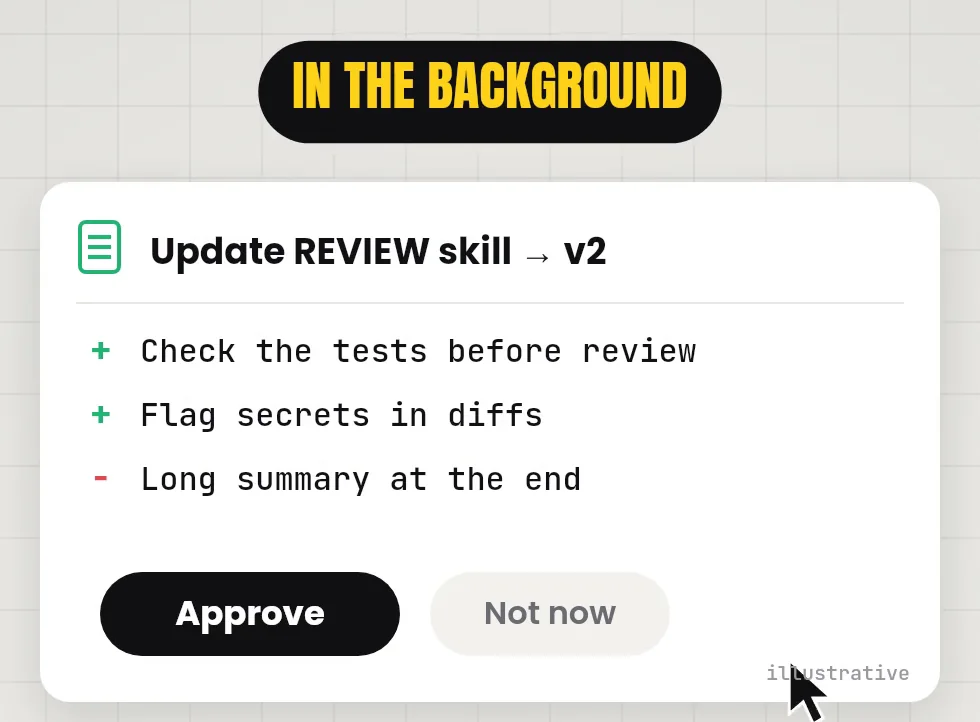
Task Observer is a free skill that watches how you work across sessions, notes what you corrected or what went wrong, and suggests improvements to your other skills. It doesn't rewrite them on its own: it shows each suggested change, and you approve it or not.
/plugin marketplace add rebelytics/one-skill-to-rule-them-all
/plugin install task-observer@one-skill-to-rule-them-all
/reload-plugins
Installing it isn't enough. Task Observer only runs once it's switched on with a start-of-session hook and a short block in your CLAUDE.md file. The steps are in the repo's references/environments.md. The easy way is to paste that page into Claude Code and ask it to set up the activation for you.
What should you check before installing these?
- Claude Code still needs a paid plan. All five add-ons are free, but Claude Code runs on a Pro plan or above, or an API key.
- OmniRoute's free tokens come from other companies. Each provider sets its own limits and terms, and your code goes to whichever provider answers. Only connect providers you're happy to share your work with.
- Claude Mem shares anonymous usage data by default. Turn it off with
npx claude-mem telemetry disable. - Headroom's savings depend on the work. Big on logs and repeated data, small on ordinary text.
- Task Observer only suggests. Read each change before you approve it.
- Add one at a time. If something stops working, you'll know which add-on caused it.
Links 🔗
- OmniRoute (GitHub) — Free gateway to many AI providers, MIT licence
- Claude Mem (GitHub) — Memory across sessions, Apache 2.0
- Headroom (GitHub) — Context compression, Apache 2.0
- Claude Code Setup (GitHub) — Anthropic's official plugin
- Task Observer (GitHub) — Skill improvements you approve, CC BY 4.0
- 25 Claude GitHub repos worth using — More repos for Claude Code
- 5 Claude Code shortcuts — Move around Claude Code faster
Liked this? Get the next one in your inbox.
Every Thursday I research the latest AI systems and workflows, then break the best one down into simple steps, with prompts you can copy. Plus the AI news that changes what you can do.
Free, plus 4 starter guides and 55 video effects for Claude when you join. One email a week. Unsubscribe anytime.