
Get guides like this in your inbox every Thursday
Read it here free, or subscribe and get every new one, plus the AI news that matters.
Free, plus 4 starter guides and 55 video effects for Claude when you join. One email a week. Unsubscribe anytime.
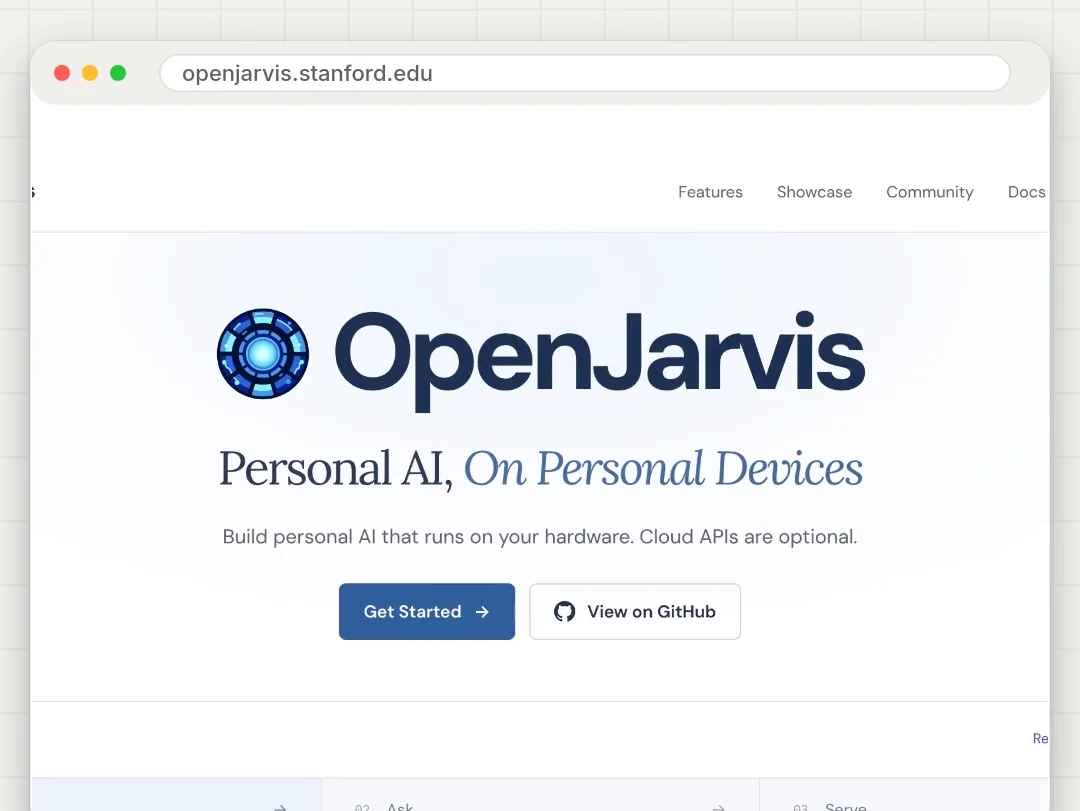
What is OpenJarvis?
OpenJarvis is a free, open-source framework for personal AI that runs on your own computer. OpenJarvis was built at Stanford by Hazy Research and the Scaling Intelligence Lab, as part of their research into running AI efficiently on personal devices. The project is released under the Apache 2.0 licence and had over 16,000 GitHub stars in November 2026.
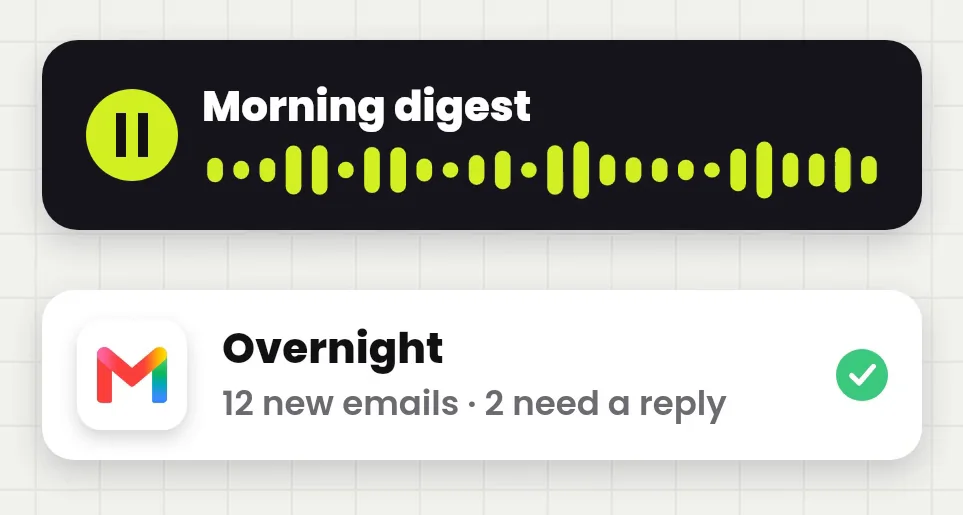
By default, OpenJarvis runs a local AI model through Ollama, so chats stay on your machine and the software costs $0, with cloud models optional. Presets cover common jobs, for example a morning digest, deep research, a code assistant and scheduled monitoring. According to the OpenJarvis docs, the install takes about 3 minutes on a fast connection. First run the one-line installer, then load a preset, and finally connect the accounts the preset needs. The morning digest from my reel reads your Gmail, Google Calendar and Tasks, then speaks a short briefing at 6 AM every day.
step 1How do you install OpenJarvis?
On a Mac or Linux (or Windows with WSL2), open Terminal and run:
curl -fsSL https://open-jarvis.github.io/OpenJarvis/install.sh | bash
On Windows, open PowerShell and run:
irm https://open-jarvis.github.io/OpenJarvis/install.ps1 | iex
The installer sets up everything it needs, including Python, Ollama and a starter model, in about three minutes on a fast connection; bigger models keep downloading in the background. Prefer an app? There are desktop installers on the project's GitHub releases page. Then type jarvis to start, or jarvis doctor to check that everything works.
How do you set up the morning digest?
The morning digest is the briefing from the reel: OpenJarvis reads your new email, calendar and tasks, then reads you a short summary out loud. It takes three commands:
jarvis init --preset morning-digest-mac --force
jarvis connect gdrive
jarvis digest --fresh
- The first command loads the morning digest preset (on Linux, use
morning-digest-linux).--forcereplaces any earlier settings. - The second connects Google: one sign-in covers Gmail, Calendar and Tasks. OpenJarvis asks for your own Google OAuth client ID and secret, a free key pair you create in Google Cloud, then opens Google's sign-in page. The OpenJarvis docs walk you through it.
- The third builds today's briefing. After that, it runs every day at 6 AM by default.
The spoken part needs a voice service, Cartesia or OpenAI. Both need an API key with paid credits, and the briefing text is sent to that service to be read out. Set one key before you run the digest:
export CARTESIA_API_KEY=your_key
# or
export OPENAI_API_KEY=your_key
Don't want to pay for a voice? Add --text-only and you get the briefing as text instead: jarvis digest --fresh --text-only. Saying Good morning in a chat with OpenJarvis also starts the digest.
What else can OpenJarvis do?
- Other presets: deep research, a code assistant, scheduled monitoring and a simple chat.
- More sources for the digest: Oura, Strava, Spotify, Slack, iMessage (on a Mac), the weather (with a free OpenWeatherMap key), Hacker News and RSS feeds.
- Your own schedule: change the time and timezone in
~/.openjarvis/config.toml, or turn the daily run off withjarvis digest --schedule off.
What should you check before installing OpenJarvis?
- Local means your computer does the work. Local models need disk space and memory, and answers come slower on older machines.
- The voice isn't free. Cartesia and OpenAI charge for speech, and your briefing text goes to them. Use
--text-onlyto skip it. - Google access is real access. The Google connection can read your email, calendar and tasks. You can remove it any time in your Google Account's security settings.
- It's a research project that moves fast. If a command here stops working, the official docs are the one to trust.
Links 🔗
- OpenJarvis (GitHub) — The code, Apache 2.0 licence
- OpenJarvis docs — Install, presets and the Google setup
- openjarvis.stanford.edu — The project site
- Ollama — Runs the local models
- Build your own JARVIS with Claude — My earlier JARVIS guide, with Fish Audio
Liked this? Get the next one in your inbox.
Every Thursday I research the latest AI systems and workflows, then break the best one down into simple steps, with prompts you can copy. Plus the AI news that changes what you can do.
Free, plus 4 starter guides and 55 video effects for Claude when you join. One email a week. Unsubscribe anytime.