
Get guides like this in your inbox every Thursday
Read it here free, or subscribe and get every new one, plus the AI news that matters.
Free, plus 4 starter guides and 55 video effects for Claude when you join. One email a week. Unsubscribe anytime.
What is Personal Finance in Claude?
Personal Finance is a feature in Claude that connects your bank and card accounts, so Claude can answer money questions from your own balances and transactions. Anthropic announced Personal Finance on 5 November 2026 as a beta for the Pro, Max and Ultra plans in the United States. According to Anthropic, the connection runs through Plaid and is read-only: Claude can see balances and up to 2 years of transactions, but can't move, manage or invest your money.
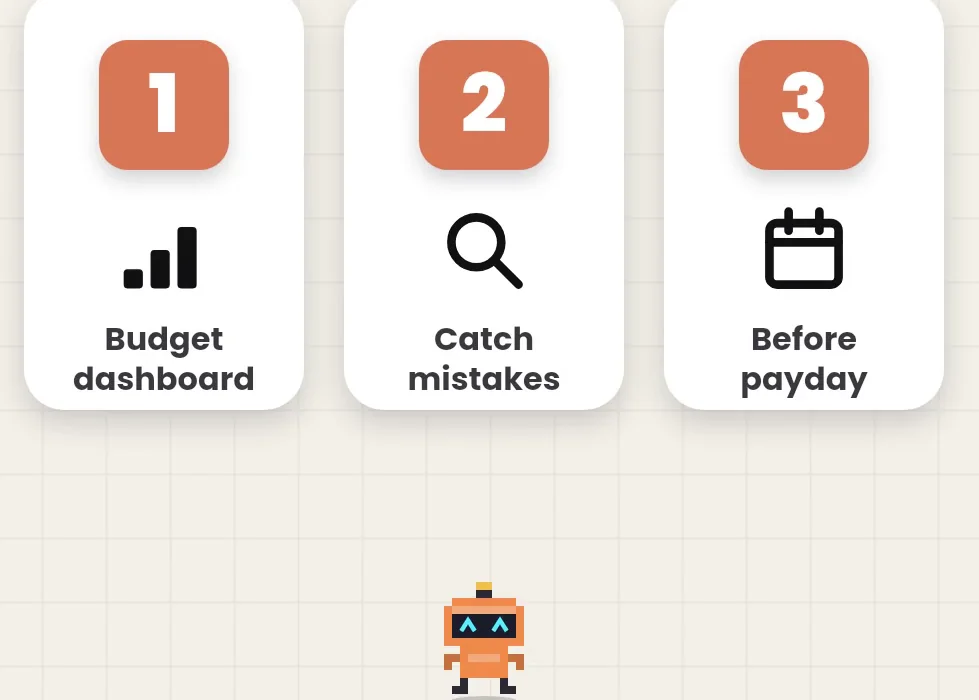
Claude never sees your bank password, and Anthropic says chats in the Personal Finance area aren't used to train its models. For example, you can ask where your money went this month, whether anything looks off, or what's left before payday. Getting started takes three steps: first open Personal Finance in the sidebar, then connect the accounts you choose, and finally ask a question in plain words. Pro costs $20 a month, or $17 a month billed yearly, and the Free, Team and Enterprise plans don't include Personal Finance yet.
who has itWho can use Personal Finance in Claude?
- Plans: Pro, Max and Ultra. Not Free, Team or Enterprise.
- Where: the United States.
- When: it's rolling out gradually, so you may not see it in your sidebar yet.
How do you start?
- Open Claude and choose Personal Finance in the sidebar.
- Connect the accounts you choose through Plaid.
- Ask a question in plain words, like the three below.
Anthropic's own suggestions for a first question are just as simple: Can I afford a trip this spring? or How much could I save each month? You can unlink an account at any time, and Claude then can't see its data.
question 11. Where did all my money go this month?
Claude adds up your spending across every connected account and sorts it into categories. Then ask for it the way you like to see it: a weekly chart, a calendar of upcoming bills, or a simple dashboard.
Where did all my money go this month? Break it down by category across all my accounts, then show my weekly spending as a chart.
2. Does anything look off?
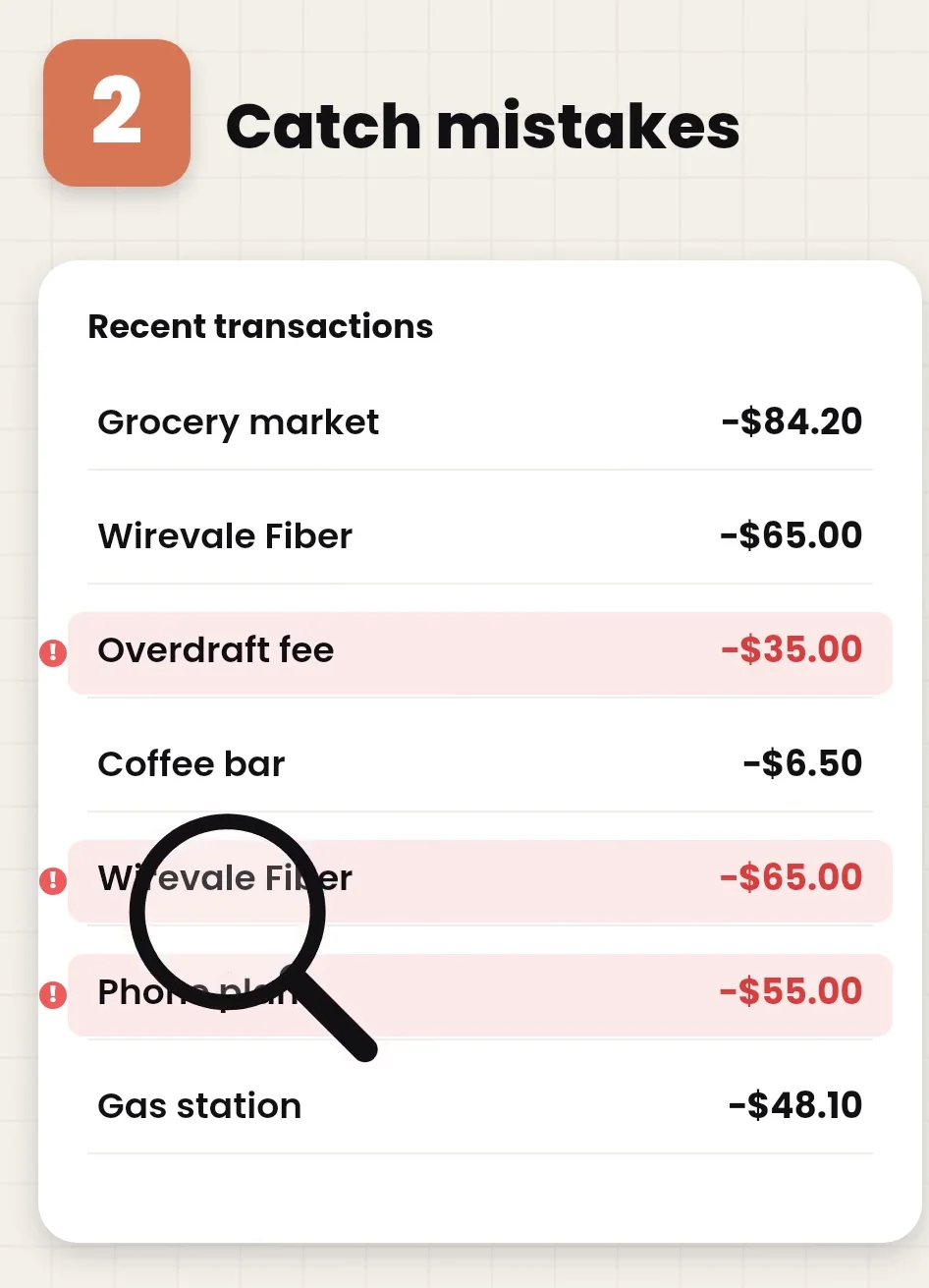
Claude looks through your recent transactions for things like double charges, unexpected fees and bills that went up. Treat it as a second pair of eyes, then check anything it flags with your bank.
Does anything look off in my transactions from the last 3 months? Look for double charges, unexpected fees and bills that went up, and list each one with the date and amount.
3. What's left before payday?
Claude lists the payments due before your next paycheck and works out what's left, so you know what you can spend.
My next payday is [date]. What payments are due before then, and how much will I have left after them?
What should you check before you connect your accounts?
- It's a beta. Claude can get numbers and categories wrong. Ask which transactions are behind a number, and confirm anything important with your bank.
- It isn't financial advice. Anthropic says Personal Finance isn't designed to give investment advice.
- Read-only still means sharing. Your balances and transactions go through Plaid to Claude so it can answer. Connect only the accounts you want it to see.
- US only for now. Outside the US, or on the Free, Team and Enterprise plans, you won't see it yet.
Links 🔗
- Introducing Personal Finance in Claude — Anthropic's announcement, 5 November 2026
- Plaid — The service that connects your accounts
- The complete Claude guide — Every Claude plan, model and feature
Liked this? Get the next one in your inbox.
Every Thursday I research the latest AI systems and workflows, then break the best one down into simple steps, with prompts you can copy. Plus the AI news that changes what you can do.
Free, plus 4 starter guides and 55 video effects for Claude when you join. One email a week. Unsubscribe anytime.